1. Click Start button
 , right-click Computer and click Properties.
2. From the left pane, click Advanced system settings. If you are prompted for an administrator password or confirmation, type the password or provide confirmation.
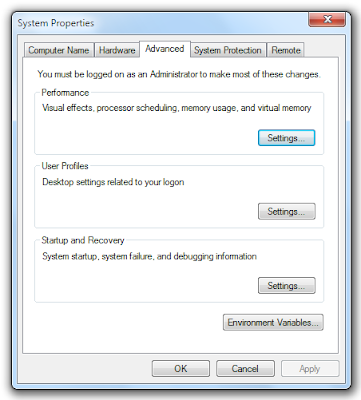
3. Click the Advanced tab. Under Performance, click Settings... to open Performance Options dialog box.
4. Click Visual Effects tab, click Custom: and do one of the following:
To remove shadow under windows, click to remove the checkmark beside Show shadows under windows.
To show shadow under windows, click to place the checkmark beside Show shadows under windows.
5. Click OK twice.
System Properties dialog box with shadow effect
 System Properties dialog box without shadow effect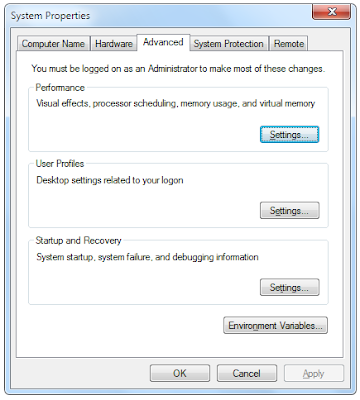
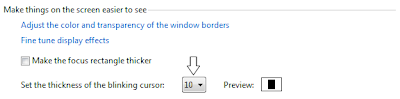
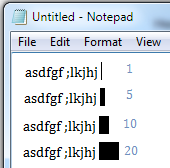 In Windows 7, the default value for the blinking cursor is 1px. You can change the thickness of the cursor easily. The possible range is 1px - 20px. The image at the right shows the width of the mouse cursor at 1px, 5px, 10px, and 20px.